
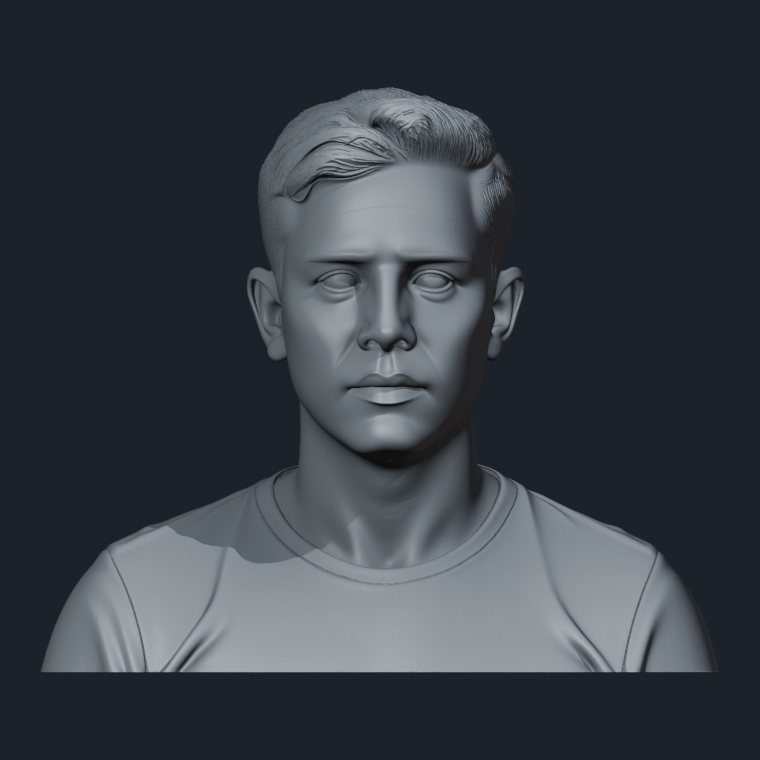
At the beginning, 3D printing felt like one enormous subject I was somehow supposed to understand before touching anything. Printers, resin, scanning, meshes, supports—every answer opened five more questions. What helped was not another list of machines. It was seeing the work as a sequence.
My first mental picture was wonderfully simple: put a photograph into a computer, get a 3D model, send it to a printer, and wait for a miniature person to appear. That is why I first worried about which printer to buy.
After running one portrait through Tripo, Meshy, and Hunyuan3D, then taking the only downloadable model through Blender and a resin slicer, I learned that the printer sits surprisingly late in the journey. A model can look finished on screen and still be nowhere near ready to manufacture.
SEE THE WHOLE JOURNEY
I broke the process down into 12 steps
Each step needs an input, an output, and a decision. That sounds obvious now. It did not feel obvious when every unfamiliar file and software window looked equally important.
Define the object
- IN
- Purpose, size, budget, reference
- OUT
- A clear product brief
Capture the person
- IN
- A person and a controlled setup
- OUT
- Photos, video, or scan data
Build the 3D model
- IN
- Images or scan data
- OUT
- GLB, OBJ, FBX, or PLY
Inspect and clean
- IN
- The raw model
- OUT
- A cleaner working file
Refine the likeness
- IN
- Model plus reference photos
- OUT
- A model ready for approval
Repair color
- IN
- Model, photos, and textures
- OUT
- Textured model and image maps
Prepare for printing
- IN
- Finished model and target size
- OUT
- STL, 3MF, or production model
Slice and support
- IN
- Model, machine, and material
- OUT
- Slicer project and machine file
Print the object
- IN
- A checked machine file
- OUT
- The part straight off the printer
Finish and paint
- IN
- The raw printed part
- OUT
- A display-ready figurine
Inspect and pack
- IN
- The finished figurine
- OUT
- A pass, a repair, or a remake
Count the real cost
- IN
- Every hour, failure, and expense
- OUT
- An honest unit cost
The list looked long, but it made me feel better. “I know nothing” had finally turned into 12 smaller questions I could answer one at a time.
CHOOSE BY THE PRODUCT
There is no single way to turn a person into 3D
These four methods are not ranks in a league table. The useful question is not “Which is best?” It is “What are we making, how still can the subject remain, and how much likeness are we promising?”
AI image to 3D
Best fitQ-style figurines, stylized busts, quick concepts, or a first model for a sculptor to refine.
What catches beginners outAnything the photo does not show has to be invented. Fast is not the same as faithful.
Single-camera photogrammetry
Best fitToys, statues, products, and other still subjects. It is also the cheapest way to learn how photos become a mesh.
What catches beginners outA person must hold the same pose across many photos. A blink or moving hand can become bad geometry.
Handheld 3D scanning
Best fitLow-volume, in-person adult portraits, simple standing poses, busts, and mobile scanning work.
What catches beginners outThe scan takes time. Hair, fingers, dark or reflective clothes, and tiny facial movements still cause trouble.
Synchronized multi-camera capture
Best fitChildren, pets, couples, wedding clothes, natural poses, events, and studios that need fast repeatable capture.
What catches beginners outIt freezes motion; it does not remove occlusion, rebuild every hair, or eliminate retouching.
So yes: AI is a sensible starting point for a Q-style figurine
A stylized product is allowed to redesign the proportions of the head, face, and body. That gives AI much more room than a premium realistic portrait. AI can also produce a quick concept or a rough model for a sculptor to continue.
But Q-style does not mean likeness stops mattering. If the buyer still wants to recognize themselves immediately, the face shape, eye spacing, hairstyle, and distinctive expression may need human correction. Our one-photo test produced three coherent people; none was close enough to the source identity for us to send to a customer.
| What you want to make | Try this first | Why |
|---|---|---|
| Q-style portrait or low-cost concept | AI image to 3D | Speed matters more than exact unseen geometry |
| A toy, statue, craft, or learning exercise | Single-camera photogrammetry | The subject stays still while you move around it |
| A cooperative adult, low order volume | Handheld scan or guided multi-photo capture | Flexible setup without building a camera booth |
| A realistic portrait of a cooperative adult | Professional scan or photo capture, then manual refinement | Capture is the starting material; likeness still needs judgment |
| Children, pets, couples, wedding dresses, active poses | Synchronized multi-camera capture | Many angles need to be frozen at nearly the same moment |
| A studio or event doing high-volume capture | Multi-camera rig or an experienced scanning partner | Repeatability and throughput become part of product quality |
THE PHOTO-STUDIO QUESTION
Does a portrait studio have to use a multi-camera rig?
No—not at the beginning.
A synchronized rig solves a specific problem: it records many views at almost the same moment. That is extremely valuable for children, pets, couples, natural gestures, complex wedding clothes, and any business that must capture one customer after another without asking everyone to freeze for a long scan.
Commercial rig makers describe instant capture as especially useful for children, pets, studios, and events. That tells us where the technology fits; it does not prove that every studio needs to own one. See one manufacturer's stated use cases
Nor does “many cameras” mean complete restoration. An armpit or the inside of a skirt can still be hidden. Individual hairs and reflective accessories remain difficult. Reconstruction, sculpting, texture repair, and print preparation do not vanish.
- EARLY TEST
Use guided multi-view photos, a handheld scan, or a scanning partner. Prove that customers want the product before building a booth.
- REPEATABLE SALES
Standardize poses, clothing guidance, approval views, and repair work. Measure where slow capture actually costs orders.
- HIGH VOLUME OR HARD SUBJECTS
Consider a synchronized rig when speed, children, pets, groups, or natural movement make sequential capture the bottleneck.
OUR REAL PROJECT
We have reached the slicer—not the finish line
The first test started with one fictional portrait and three AI platforms. All three produced a bust. Only Hunyuan3D gave us a file we could export without upgrading, and even that result was a starting point rather than a production model.
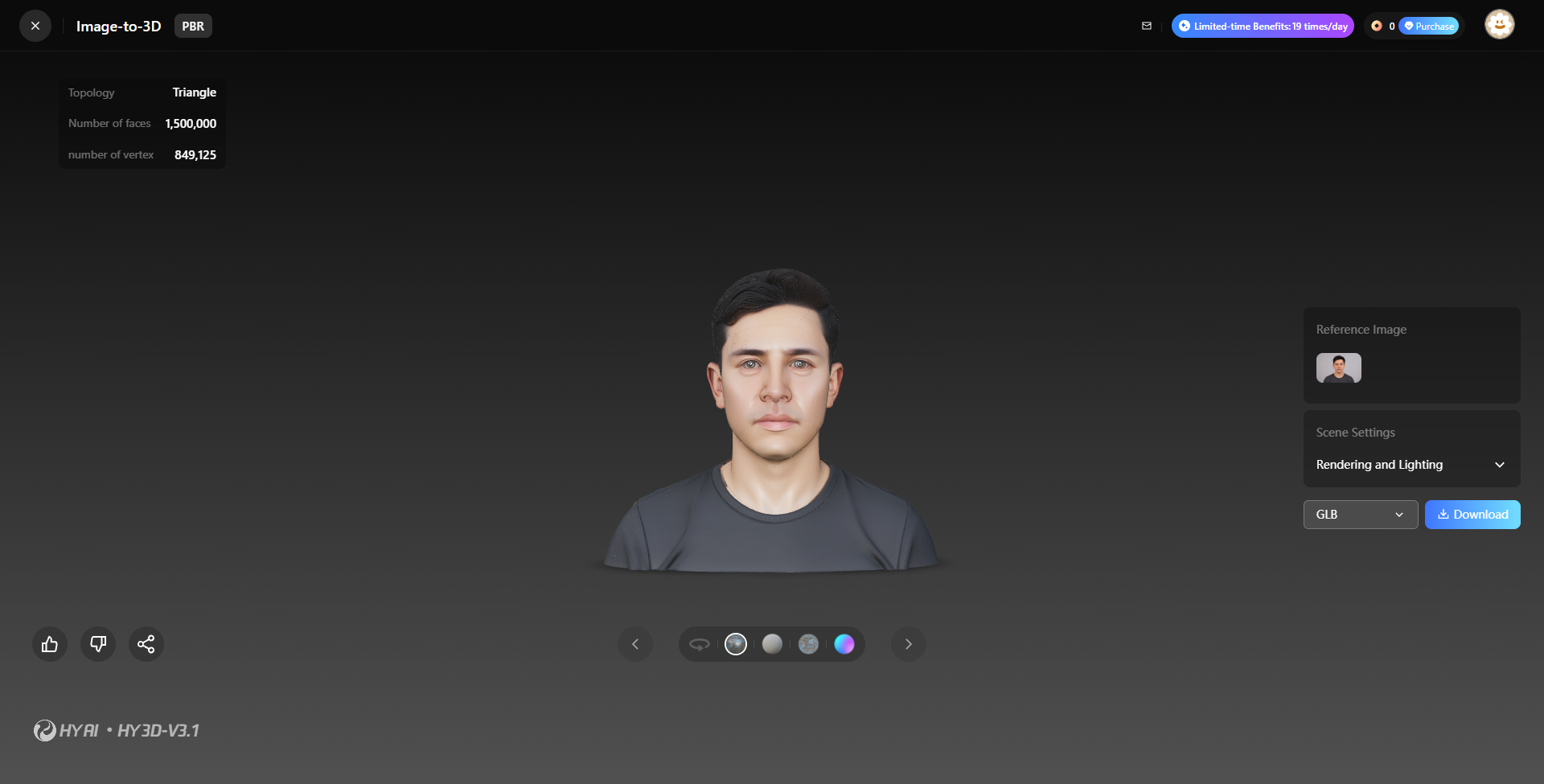
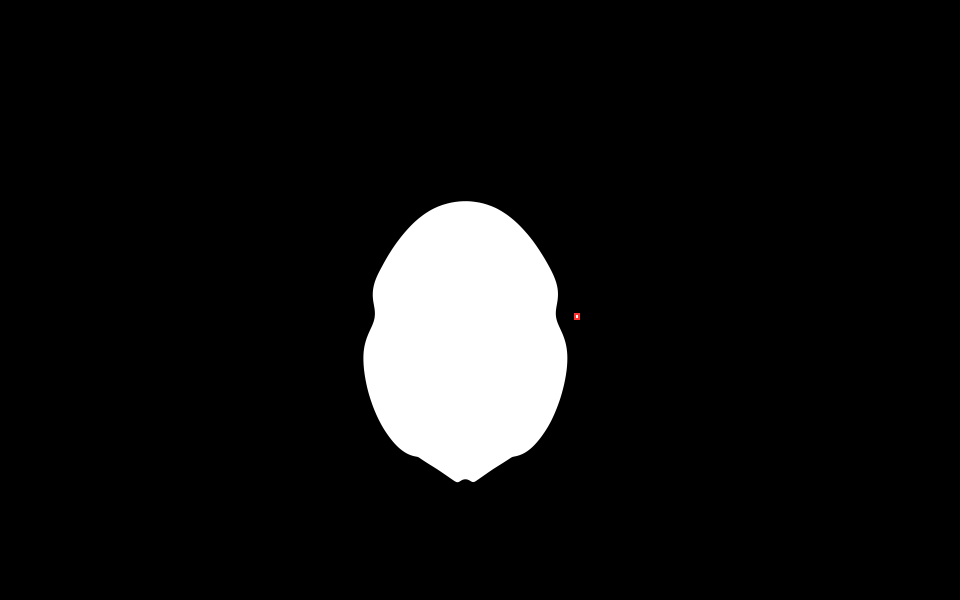
In the second test, we cleaned the mesh, compared a 0.5 decimation, replaced a failed bottom repair with a real planar cut, capped the model, removed the last overlap candidate, exported a 120 mm STL, and checked two arrangements in a resin slicer.
DONE SO FAR
- One-photo AI comparison
- Exported mesh inspection
- Cleanup, base cut, and 120 mm STL
- Two resin slicing arrangements
STILL AHEAD
- Final hollowing and drain plan
- Accepted support arrangement
- Physical print and post-processing
- Paint, likeness, cost, and shipping test
BEGIN SMALL
Three things I would do before buying a printer
- 1
Learn the shape of the whole process
Know that a finished object does not begin at the printer. You do not need to master every step yet.
- 2
Complete one digital experiment
Photogrammetry-scan a still, non-reflective object, or test AI with a non-private image. The first result only needs to exist.
- 3
Keep every input, output, failure, hour, and cost
The useful record is not merely the final model. It is the evidence that shows why you made the next decision.
I am still a beginner walking into 3D printing. The difference is that “I have no idea where to start” has become a road I can actually follow.
HELP SHAPE THE NEXT STEP