At the end of our first test, I finally had a 3D model on my computer. Hunyuan3D had produced a bust with hair, a face, a shirt, and shoulders. As it turned on screen, it was surprisingly easy to imagine a finished object sitting on my desk.
The obvious next step seemed simple enough: convert it to STL, find a print shop, and send it over. Looking back, that was a little like chopping the vegetables and deciding dinner was almost ready.
So I took the exported GLB through Blender: merge the duplicate vertices, reduce the face count, fix the bottom, check for intersecting surfaces, and export a 120 mm STL. Then came the resin slices. The model was cleaner by then. My understanding of “ready to print” was about to get a lot less casual.
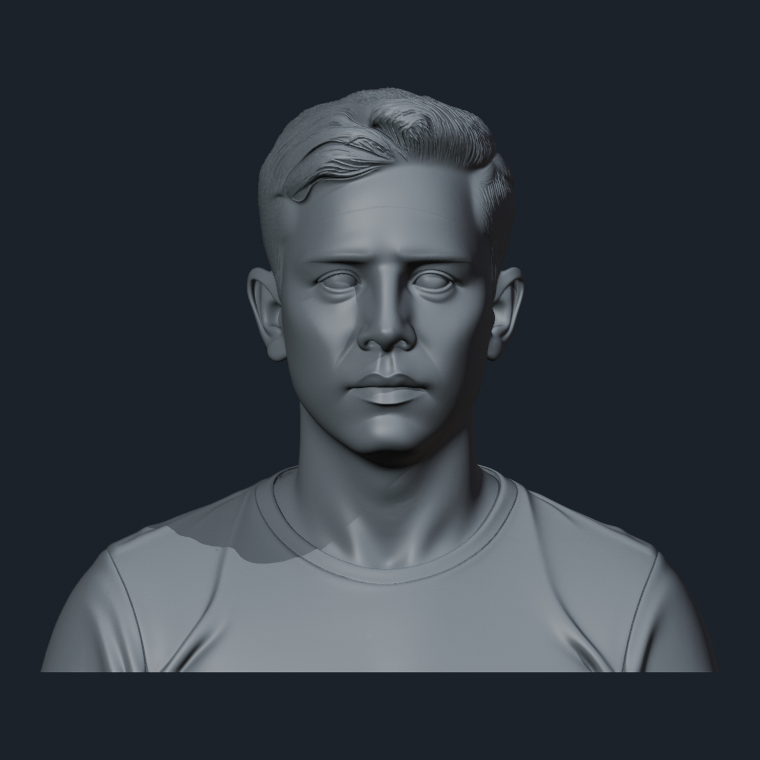
Import and inspect
193,710 open edges sounded disastrous
The original import contained 849,125 vertices and 1,500,000 triangles. Our earlier script also reported 193,710 open edges. I pictured a mesh full of holes and wondered whether I had picked an unusually bad first model to learn on.
The explanation turned out to be much less dramatic. A textured GLB can store separate vertex records along a texture seam even when those vertices occupy exactly the same position. Count the connections by vertex ID alone, and a seam can look like a gap.
- 1
Import the GLB and save an untouched Blender checkpoint.
- 2
Merge only coincident vertices, using a tiny tolerance of 1e-12 in the source coordinates.
- 3
Check the counts again: 849,125 vertices became 750,002; all 1,500,000 triangles remained.
- 4
Recount the edges on the welded mesh. Open edges and non-manifold edges both came back as zero.
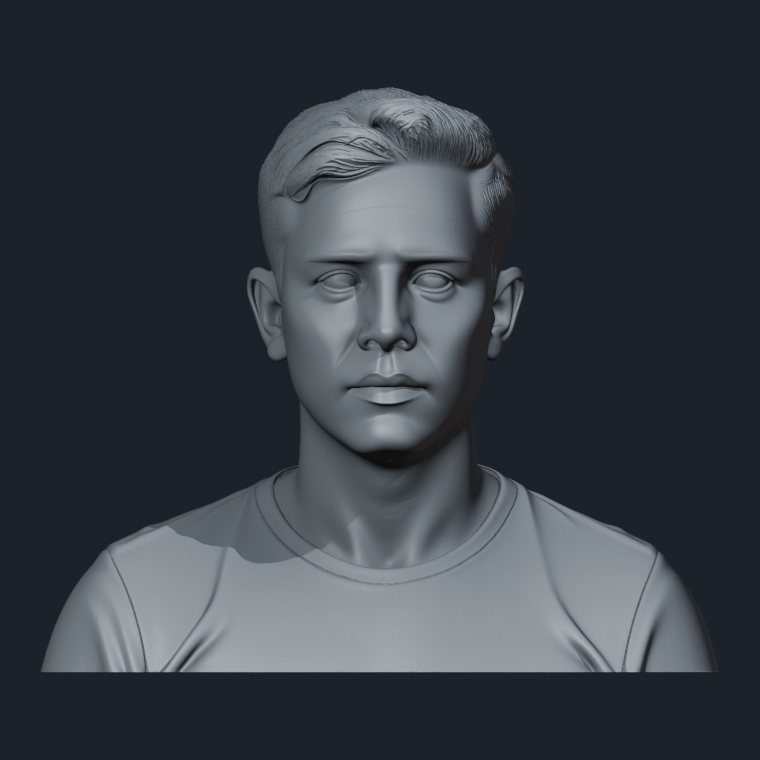
That was a relief, but it also made me a little wary of my own reports. “193,710 holes” would have sounded impressively precise in an article. It would also have been wrong. Before treating a number as a diagnosis, I needed to understand what the check was actually counting.
- Input
- Original Hunyuan3D GLB
- Output
- 00-imported.blend → 01-cleaned.blend
Decimate · Collapse 0.5
I wanted a lighter file. I didn’t want to lose the face.
The cleaned model still had 1.5 million triangles. It was usable, but there was a lot of geometry to carry through every edit and check. I kept the cleaned version and made a separate copy for Blender’s Decimate modifier, using Collapse with a ratio of 0.5.
This was the part I felt least comfortable trusting to a single setting. On a portrait, the eyelids, lips, nose, ears, and hair matter much more than their size suggests. Saving half the triangles would be a poor trade if the face became visibly worse.
The result had 750,000 triangles. Open edges, non-manifold edges, and strictly zero-area faces remained at zero. I compared front, three-quarter, side, and face-close-up renders from matching cameras. At the saved 760 px view size, I could not see an obvious missing feature or broken silhouette.
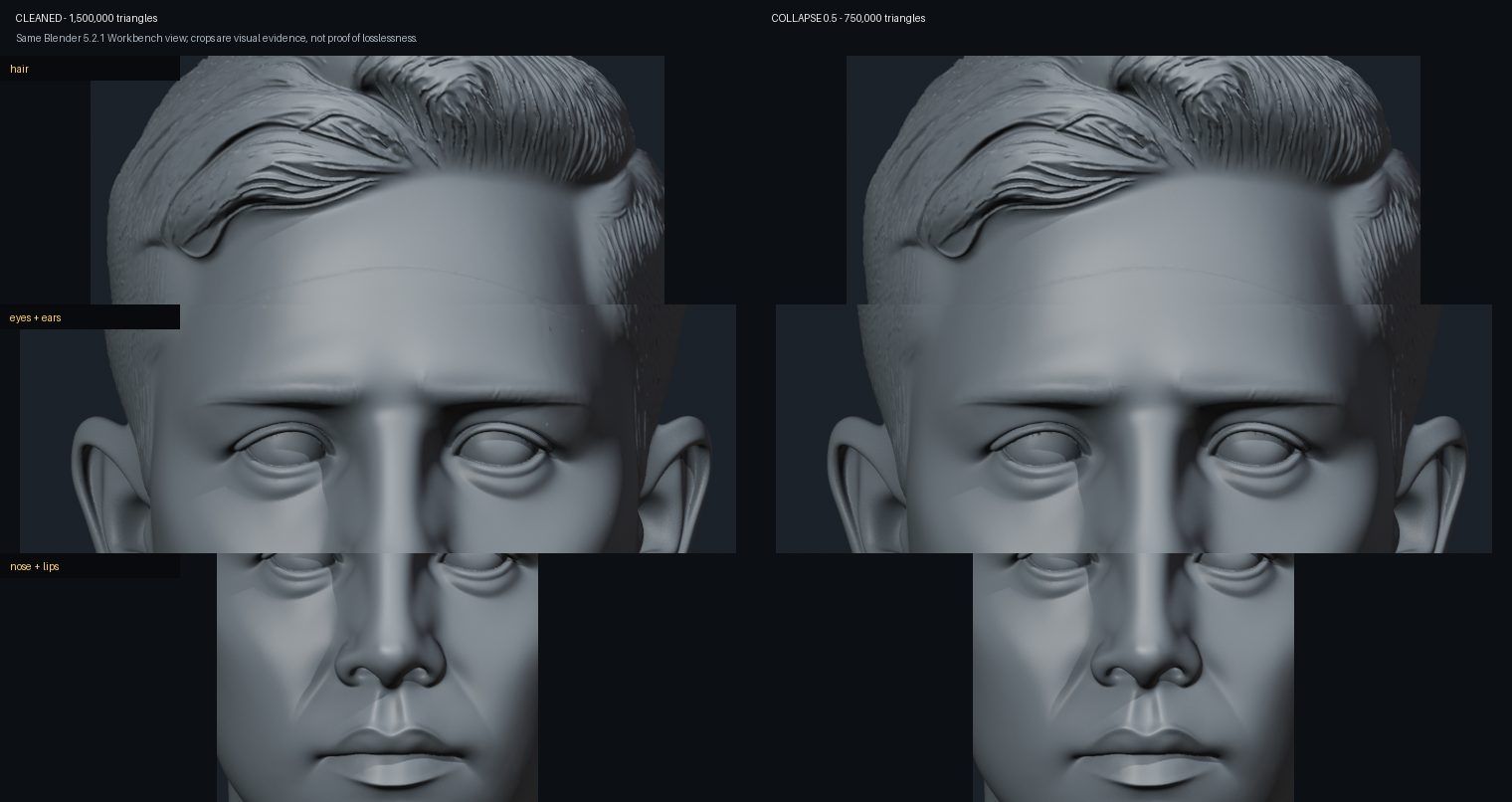
That was enough to keep the 0.5 version for the next checks. I stopped short of trying 0.25. I also stopped short of calling this “lossless”: these views gave me a practical comparison, not a guarantee for every portrait or print size.
- Input
- A copy of 01-cleaned.blend
- Output
- 02-decimated-0.5.blend
Cut and cap the bottom
My first attempt at a flat bottom made things worse
The bottom looked almost flat. Measured exactly, though, only one unique vertex sat at Z=0. Many others were within 0.1 mm of it, which explained why the model looked convincing on screen. That was not enough evidence of a clean, flat contact surface.
The first fix seemed obvious: move every vertex in that bottom 0.1 mm band onto the same plane. The mesh stayed closed, and the file still opened. For a moment, I thought that was settled.
Then the overlap check reported 1,104 candidate intersections between non-adjacent triangles. Flattening the band had pushed small faces into one another. I had solved the height problem by creating a different geometry problem.
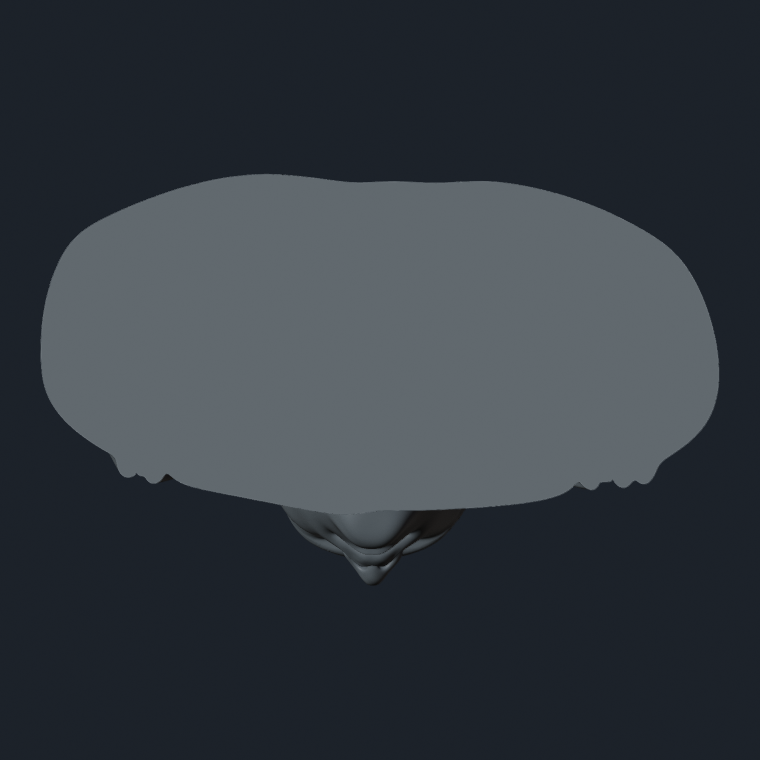
I went back to the clean decimated version. This time, the script cut across the model with a plane 0.1 mm above its lowest point, removed the irregular material below it, and capped the opening. The cut produced 4,616 boundary edges; the cap added 4,614 triangles.
After setting the upright model’s height to 120 mm again, 4,616 vertices lay exactly on Z=0. There was now an actual planar bottom. I had not added a decorative plinth, and I still had no physical evidence of how stable the finished bust would be.
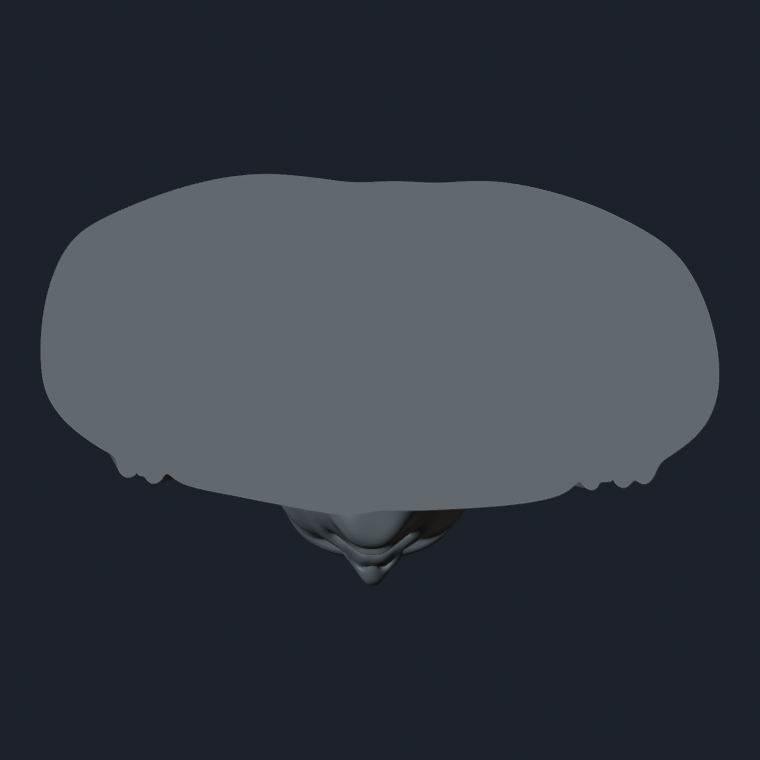
This was the first point where the work really felt like a repair. The first idea had looked sensible and passed one check. Another check caught the damage. Keeping the earlier file meant I could go back and try again without guessing what I had changed.
- Input
- 02-decimated-0.5.blend
- Output
- 03-based-120mm.blend; failed flattening branch saved separately
A small repair at the crown
One last overlap was hiding in the hair
The decimated mesh had initially returned 193 candidate overlap pairs. After cutting and capping the bottom, one remained, near the crown of the head. It was easy to miss in a normal front view: two tiny triangles were intersecting in the hair.
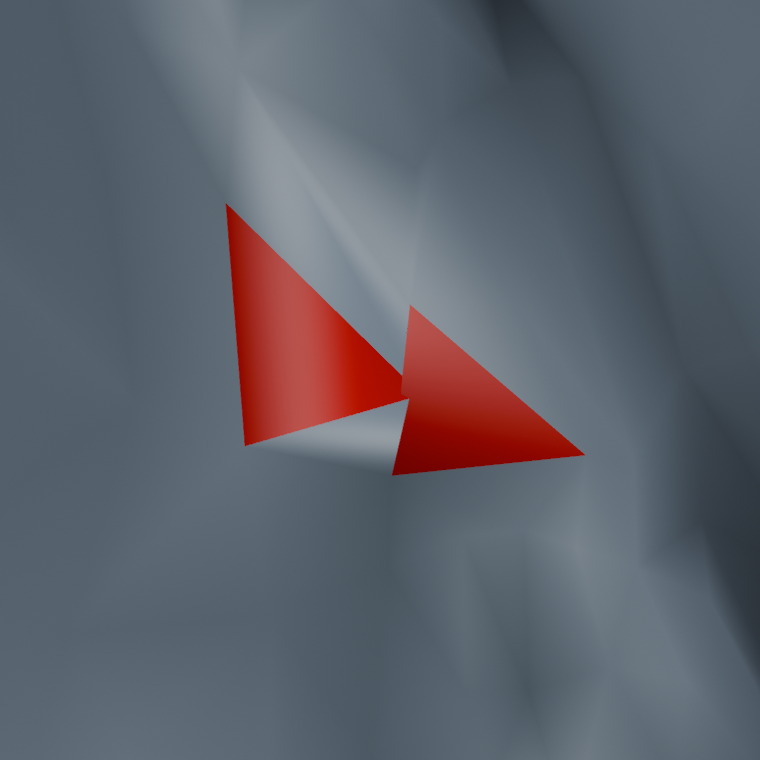
The local repair moved the smaller triangle’s three vertices 0.02 mm along that face’s normal, then reran the check. The candidate count fell to zero. That tiny adjustment addressed this particular overlap; it did not improve the likeness or amount to a general hair-repair method.
The final file was exported to STL and read back independently. Its dimensions were 139.2549 × 84.5156 × 120 mm, with 736,748 triangles. Open edges: zero. Non-manifold edges: zero. Strictly zero-area triangles: zero. The Blender overlap check also found no remaining non-adjacent candidates.
I remember the temptation behind those results: surely a report this clean meant I was nearly finished. It was the thickness and slicing checks that made me slow down.
- Input
- 03-based-120mm.blend
- Output
- 04-print-candidate-120mm.blend + hunyuan-bust-120mm-v04-blender-repaired.stl
Sample local thickness
Some of that hair was still worryingly thin
A second script sampled local thickness by casting rays inward from triangle centers. It excluded the near-planar bottom band to avoid misleading numerical hits there. All 51,737 sampled rays found a surface on the other side, but some measured very short distances.
- 310 samples were below 0.5 mm.
- 671 samples were below 1.0 mm.
- The first percentile was about 0.832 mm.
- The smallest sampled distance was roughly 0.008 mm, among the fine geometry that still needed investigation.
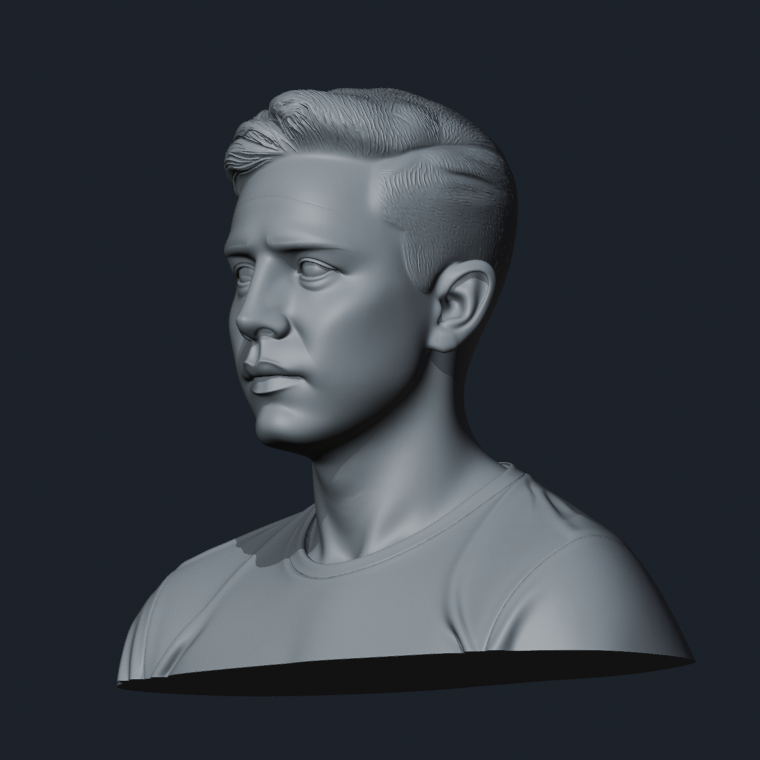
These were directional samples, not a certified minimum wall thickness. A ray cast cannot settle every question about a complex surface. Still, the results gave me a concrete reason to investigate the hair and other thin features before ordering a print. I could no longer assume that a closed mesh would also make a sturdy object.
- Input
- Final v04 Blender mesh
- Output
- Local-thickness sample report; thin details remain unresolved
Two resin slice setups
The files exported. The setups still failed our checks.
For the completed slice tests, I used PrusaSlicer 2.9.6 with a Photon Mono X example profile and 0.10 mm layers. The bust remained solid, with no hollowing or drain holes. The exposure settings had not been confirmed for a supplier’s printer and resin, so this was a software experiment, not a production setup.
There was a practical detour here too: an earlier 6K, 0.05 mm run ran out of memory near completion. Switching to the smaller profile let the software checks finish. That change made the test manageable on this computer; it did not establish an ideal printing profile.
Attempt A: tilt the bust and request supports
The first arrangement rotated the model 15° around X and −10° around Y, with the model lifted 5 mm above the plate. It fitted inside the selected machine’s build volume, and PrusaSlicer produced a PWMX file. But its log contained a warning I could not ignore:
Support mesh is emptySupport generation had been requested, but this run had produced no support mesh. The export succeeding had hidden a much more important failure. This says something specific about our run; it is not a claim that PrusaSlicer cannot generate resin supports.
We also exported a lower-resolution SL1 layer stack and checked its 1,362 images with a separate script. It flagged 13 layers containing newly appearing island candidates. Seven met our four-pixel reporting threshold. The largest candidate was at approximately Z=76.8 mm.
Attempt B: put the flat bottom directly on the plate
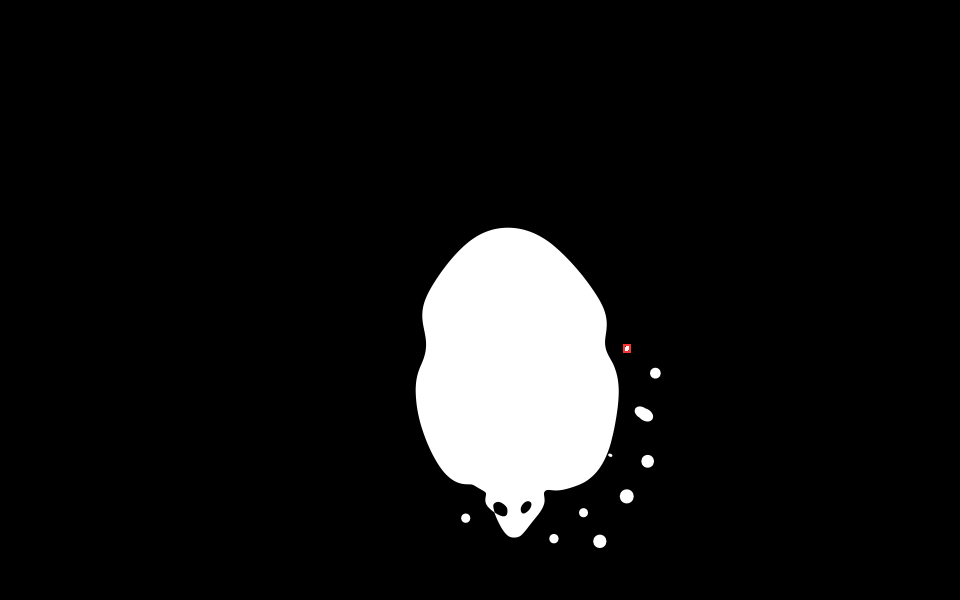
The second arrangement kept the bust upright, with its newly capped bottom on the plate and no supports. This produced 1,200 layers. The main body could start at the bottom, which felt encouraging until the scan reached approximately 63.7 mm and 63.9 mm.
At those heights, small white components appeared outside the main cross-section without a connection to the preceding layer under our check. Giving the bust a flat bottom had not made every detail above it self-supporting.
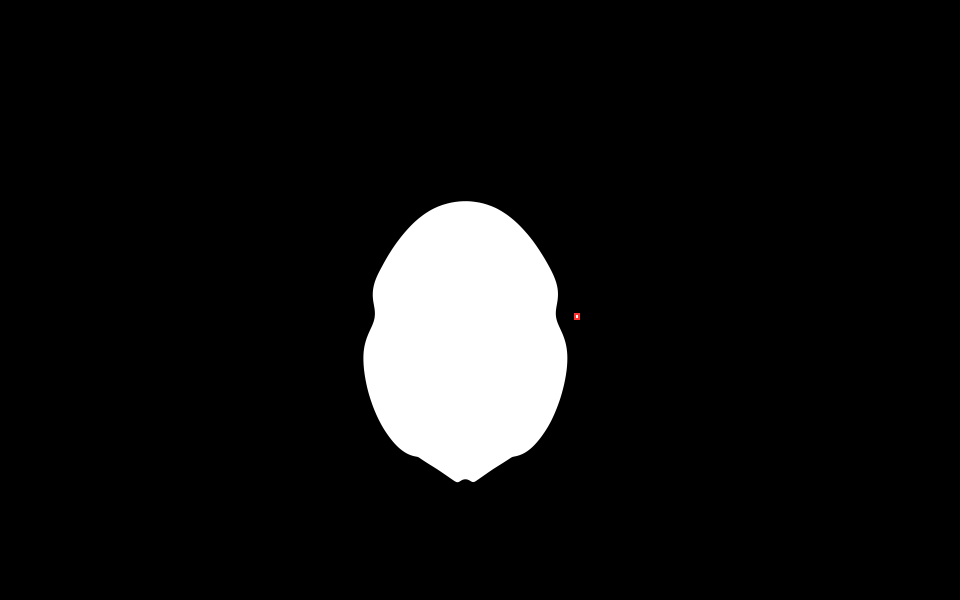
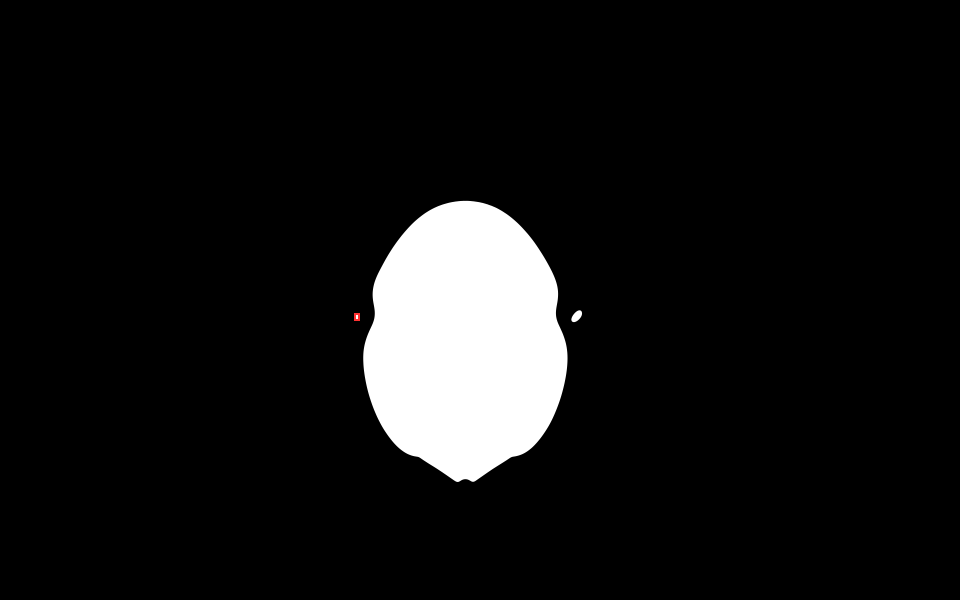
This was the distinction I had been missing. The mesh checks described how the surfaces fitted together. The layer check asked what each new piece would attach to as the print grew. Getting the first answer right had not settled the second.
- Input
- Final v04 STL, in two orientations
- Output
- Two PWMX exports + SL1 analysis stacks + layer-audit reports; neither setup accepted for printing
What we can claim
I had made progress. I still didn’t have a print.
| Check | Recorded result | What it means |
|---|---|---|
| Size and mesh | 120 mm tall; 736,748 triangles | Final STL exported and read back |
| Mesh connectivity and overlaps | Open edges, non-manifold edges, and non-adjacent overlap candidates: 0 | Passed these software checks |
| Thickness samples | 310 samples below 0.5 mm | Delicate details need further assessment |
| Tilted slice setup | Empty support mesh; island candidates flagged | Do not print this output |
| Upright slice setup | Candidates around Z=63.7 and 63.9 mm | Do not print this output |
| Physical sample | Not made | No claim about real print success |
Our project log calls this Level C: software validation completed. That is a record of how far the work went, not a passing grade for the model. There is still no printed object to inspect.
There was no new cash spend on software or printing in this round. That does not make the process free: setup, troubleshooting, and review took time, and the record does not support a reliable total labor cost. The two solid setups returned software material estimates of about 344 ml and 377 ml. Neither is a supplier quote or measured resin consumption.
A successful export was easy to mistake for progress all the way to the printer. What I needed was evidence for the next step, one step at a time.
The next job is to assess hollowing, wall thickness, and drain holes; place and inspect supports; and slice again with the print shop’s actual machine and resin settings. Then we can decide whether the file is worth turning into a first unpainted sample.
I started this round wanting to learn how to turn an AI model into an STL. I ended it paying much more attention to when I was ready to call something finished. The failed bottom repair and the tiny islands were frustrating, but at least I could now point to the work still needed.
When there is a physical sample, I want to show what it cost, how long it took, and what looks wrong when it is actually in my hands. For now, this is where the experiment stops. A little further along, with a much clearer idea of what I still don’t know.
About the evidence
The model images are Workbench renders from the saved Blender projects. The slice images are exported PrusaSlicer layer PNGs with candidate boxes added by our audit script. They are not photographs of physical prints or screenshots of manual menu operations.
All numeric results refer to this one model and these settings. No complete minimum-wall-thickness certification, full-resolution island clearance, or physical print validation is claimed.
One correction to the earlier inspection: the 34,850 triangles flagged by its area threshold were small-area triangles, not 34,850 proven zero-area faces. The strict zero-area count was zero. We did not delete those faces on the basis of that earlier label.
Read the first test: Tripo, Meshy, and Hunyuan3DCOMPARE NOTES